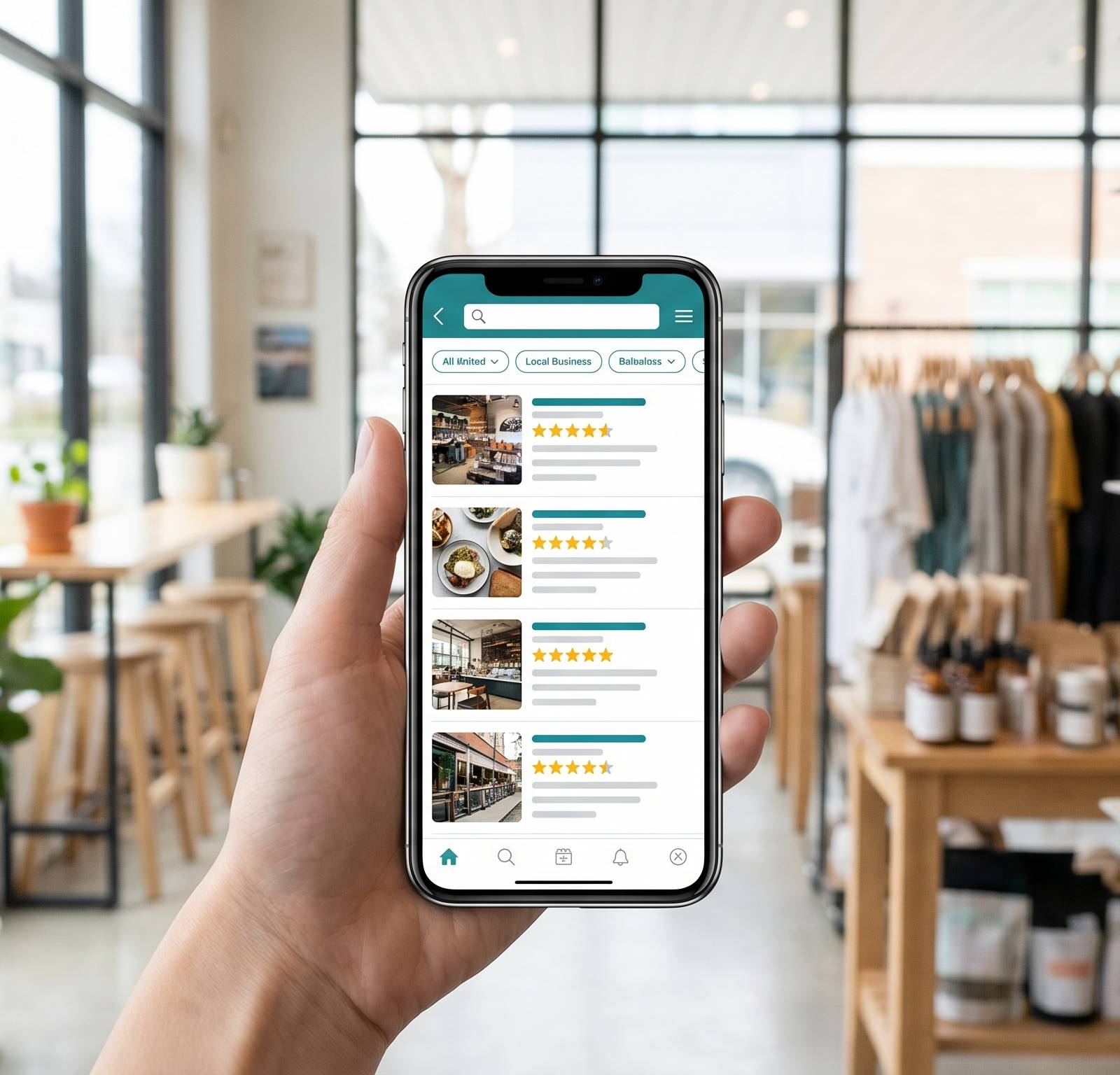
Your Google Business Profile (GBP) is the single most important asset in local SEO. It controls what Google surfaces in the Local Pack, Google Maps, and increasingly in AI-generated local recommendations. A fully optimised profile signals relevance, builds prominence, and converts searchers into customers. A neglected one hands that ground to competitors.
This guide covers every field and feature in a claimed, verified GBP, separating what moves your ranking from what improves your click-through and conversion rate.
Why your GBP outranks your own website locally
For most local searches, GBP is your primary digital storefront. When someone searches “plumber Parramatta” or “dentist near me,” the Local Pack appears above organic results. These three map listings pull from GBP data, not your website.
Google documents three local ranking factors: relevance, distance, and prominence. Relevance is how closely your profile matches the search query. Distance is how far your business is from the searcher. Prominence reflects how well-known Google considers your business to be, drawn from reviews, citations, links, and profile completeness. Google states explicitly there is no way to pay for a better local ranking.
Your website matters for organic results and for feeding prominence signals (schema markup, NAP consistency, inbound links). But in local search, the GBP itself is the ranking unit.
Getting verified: the prerequisite for everything
You can edit an unverified profile but it won’t rank. Verification tells Google you’re the authorised representative of the business, which unlocks ranking eligibility and the ability to respond to reviews, post updates, and add photos.
If you haven’t verified yet, read the Google Business Profile setup guide for the full walkthrough. Come back here once your profile is live and verified.
The fields that directly affect ranking
These are relevance and prominence signals. Getting them right is the foundation.
Business name
Use your real, legal trading name. Nothing more. Keyword stuffing in the business name field (“Jim’s Plumbing Best Plumber Sydney”) violates Google’s guidelines and is a common cause of profile suspension. Competitors can flag it, and Google actively reviews it. Your business name is not a place for SEO copy.
Primary category (the most important single field)
Your primary category is the strongest relevance signal Google has about what your business does. A business that selects “Plumber” will rank for plumber queries. One that selects “Home Services” as a primary category is telling Google almost nothing.
Choose the most specific category that describes your core service. Google Business Profile categories are fixed terms drawn from Google’s taxonomy. You don’t write your own. The right choice is the one that matches how your best customers would describe your business.
Secondary categories let you cover additional services. A business that does plumbing and gas fitting can add “Gas Installation Service” as a secondary. Add secondary categories for real services you offer, not as a broad-match tactic.
Business description
The description (up to 750 characters, though the first 250 are what most people see) does not directly influence ranking. What it does is clarify your relevance to edge-case queries and, more importantly, convert searchers who are comparing you with competitors.
Write clearly about what you do, who you serve, and where. Mention your primary service type and main service area. Avoid superlatives (“best in Sydney”), generic phrases (“we are passionate about”), and anything that reads like a marketing paragraph from 2012.
Services and products
The Services section lets you list individual services with names and descriptions. For service businesses, this is a direct relevance signal. A cleaning company that lists “End of Lease Cleaning,” “Commercial Office Cleaning,” and “Carpet Steam Cleaning” separately will match more specific queries than one that just says “Cleaning Services.”
Write each service description in plain language. Include the service name, what’s included, and optionally the area covered. Keep it factual.
Retail businesses can add Products, which may surface in Shopping results and on the profile itself.
Hours and special hours
Accurate hours affect both ranking and conversion. Google uses hours to determine whether your business is open when someone searches, which influences whether and how prominently you appear.
Set regular hours correctly and then maintain special hours for every public holiday. A profile showing “Open” on a day you’re actually closed generates complaints, negative reviews, and lost trust. Update special hours for long weekends, the Christmas period, ANZAC Day, and any other closures.
Attributes
Attributes are structured facts about your business. Accessibility features, service options (in-store, online, delivery), payments accepted, parking, Wi-Fi, outdoor seating, and dozens of other specifics. Many appear as filters in Google Maps searches.
Fill in every attribute that applies. Someone filtering for “wheelchair accessible” businesses will only see you if you’ve confirmed that attribute.
Fields that improve conversion (but also contribute to prominence)
These don’t directly move ranking the way categories do, but they influence how many people click, call, or get directions from your profile.
Photos and video
Profiles with photos receive more clicks than those without. The mechanism is simple: photos answer questions that text can’t. A restaurant’s photos tell you whether it’s casual or formal. A physio’s interior shots show you the space before you book.
What to upload:
- Cover photo. The image shown most prominently in search results. Use something that clearly communicates what your business is.
- Exterior shots. Help customers find you and recognise you from the street.
- Interior shots. Especially valuable for businesses where the environment matters: gyms, clinics, restaurants, salons.
- Team photos. Trust is easier to establish when customers can see who they’ll deal with.
- Work samples. Before-and-afters for tradies, completed builds for construction, plated dishes for restaurants.
Add new photos regularly. A profile where the newest photo is two years old signals an abandoned business. Aim to add at least a few fresh images each month.
Google Posts
Posts let you publish short updates, offers, and event announcements directly to your profile in Search and Maps. They appear when someone views your GBP and are indexed by Google.
Posts don’t have a proven direct ranking effect, but they contribute to prominence by signalling an active, engaged business. More practically, a current offer or a recent update can be the difference between a searcher clicking through or moving on.
Post regularly about new services, seasonal offers, completed projects, and anything that shows your business is operating and worth choosing. Posts expire after six months, so treat them like a lightweight content channel: a few posts per month keeps the profile looking active.
Q&A
The Q&A section is one of the most neglected parts of GBP. Anyone can ask a question and anyone (including you) can answer. If you don’t answer your own questions, other people will, and the answers may be wrong.
Seed it yourself. Write the five or ten questions customers ask most often (“Do you offer weekend appointments?”, “Do you provide free quotes?”, “Is there parking on site?”) and answer them clearly. Monitor for new questions from the public and respond quickly.
Q&A content is indexed and can appear in Knowledge Panels and AI Overviews when Google surfaces local business information.
Reviews
Reviews are one of the strongest prominence signals Google uses. More reviews and better ratings improve local ranking, and BrightLocal’s 2026 Local Consumer Review Survey found two in five consumers read reviews every time they look for a local business, with rising expectations around the 4.5-star mark and increasing weight given to review recency.
The mechanics of getting and responding to reviews are covered in depth in the Google reviews guide. The short version: ask after every successful job, make it easy with a direct link, and respond to every review without exception.
Messaging
GBP Messaging lets customers message you directly from your profile. Enable it if your team can respond within a few hours. Google tracks your response rate and response time. A profile with fast responses signals an attentive business. One that ignores messages, or has messaging enabled but response times measured in days, creates a worse impression than having it turned off.
NAP consistency: why it matters across the whole web
Your business name, address, and phone number (NAP) appear in many places beyond your GBP: your website, local directories, social profiles, industry databases. When these are inconsistent (slightly different address formats, an old phone number, a trading name that differs from your legal name), Google has to decide which version to trust. Inconsistencies dilute your prominence signal.
Audit the places your NAP appears:
| Source | What to check |
|---|---|
| Your own website | Contact page, footer, any schema markup |
| Google Business Profile | Exact match to your website |
| Australian directories (Yellow Pages, True Local) | Name, address, phone |
| Industry directories (HiPages, HealthEngine, etc.) | Especially relevant for your sector |
| Social profiles (Facebook, LinkedIn) | Business address and phone |
| Apple Maps, Bing Places | Often overlooked, used by AI assistants |
If you’re building out your citations systematically, the local citations guide covers which directories matter and how to approach them.
How your GBP feeds AI-generated local recommendations
The map pack and GBP aren’t just for Google Maps anymore. ChatGPT, Perplexity, and Google’s AI Overviews increasingly pull from structured business data when answering local queries. “Best physio near Newtown,” “plumber open Saturday in Brisbane,” “which dentists accept BUPA” are the kinds of questions AI engines answer by cross-referencing business profiles, review data, and directory listings.
A complete, accurate GBP with consistent NAP, strong review signals, and rich attribute data makes it easier for AI models to confidently include your business in a recommendation. An incomplete profile, or one with conflicting information across sources, gets skipped for ones where the data is cleaner.
This is the same information architecture that drives local ranking, applied to a new channel. Tracking whether your business appears in AI-generated answers for your key local queries is now a meaningful part of monitoring your visibility. Tools like Fokal’s AI visibility tracking run those queries on a schedule so you can see your citation rate over time rather than spot-checking manually.
Google Maps SEO goes deeper on the three ranking factors and how proximity and prominence interact. For the full picture of how GBP fits into a local search strategy, start at the local SEO guide.
Optimisation checklist
Run through this after any profile update or at least once a quarter.
- Profile is verified and ownership is confirmed
- Business name matches your legal trading name exactly (no keywords added)
- Primary category is the most specific match for your core service
- Secondary categories cover real additional services
- Business description is complete, accurate, and 250+ characters
- All services are listed with individual descriptions
- Hours are correct and special hours are set for upcoming public holidays
- Every relevant attribute is filled in
- At least 10 photos uploaded, including exterior, interior, and work samples
- A Google Post has been published in the last 30 days
- Q&A seeded with your most common questions and answers
- Messaging is enabled (only if your team can respond within a few hours)
- You’ve responded to every review, positive and negative
- NAP is identical on your website, GBP, and key directories
- Apple Maps and Bing Places listings are claimed and consistent
A fully optimised profile isn’t a one-time task. Business details change, new features get added, and the AI-driven local search landscape keeps evolving. A quarterly review keeps your profile accurate, active, and competitive.