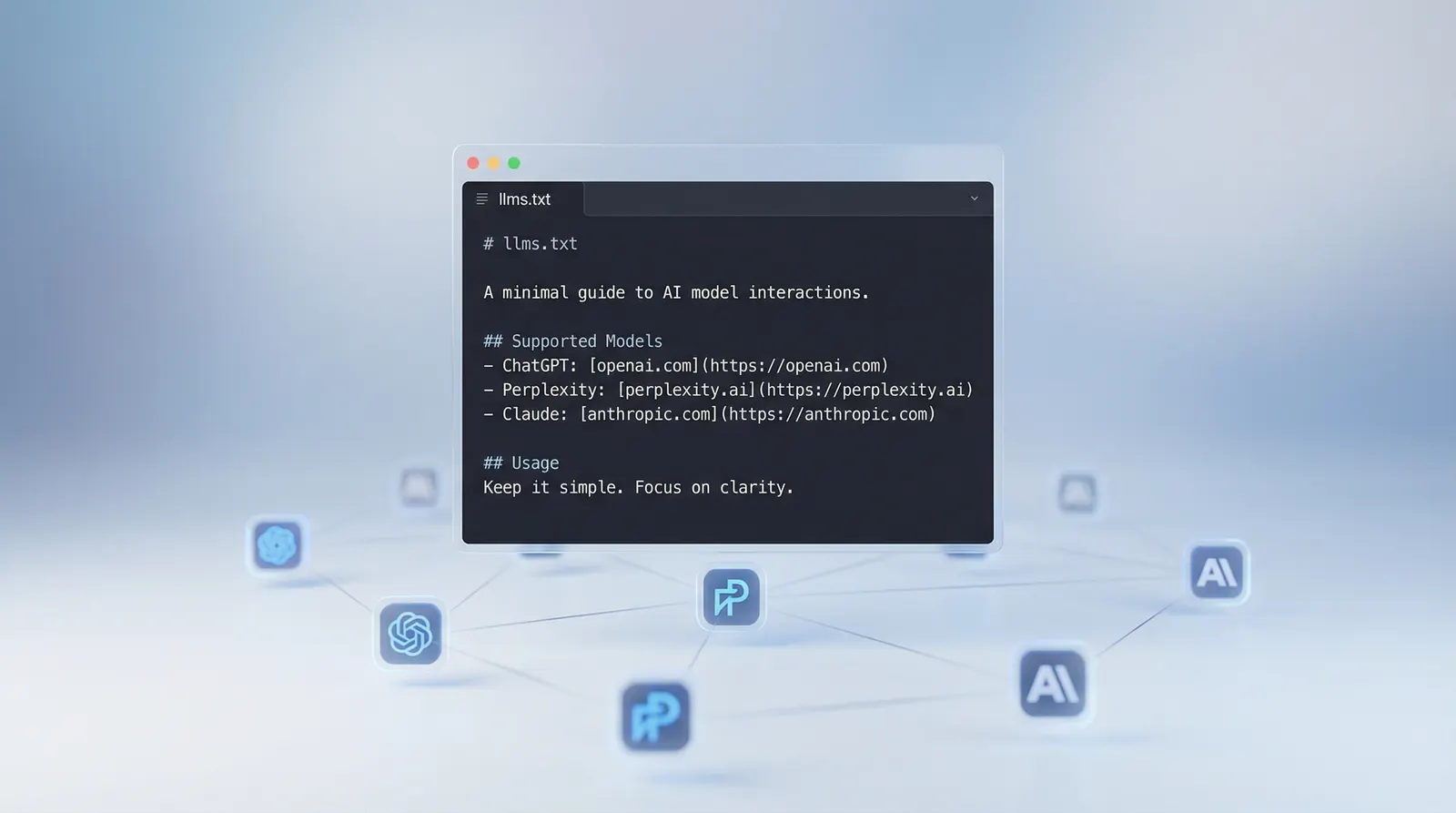
AI models like ChatGPT, Perplexity, and Claude pull from websites constantly. But most pages are wrapped in navigation, JavaScript, and HTML that makes it hard for a language model to extract what actually matters. A plain-text markdown file sitting at the root of your domain changes that.
llms.txt is a proposed standard, published September 3, 2024 by Jeremy Howard (co-founder of fast.ai), that gives AI models a curated, structured overview of your site. Host it at yoursite.com/llms.txt and you hand AI crawlers a clean index of your most important pages with context they can actually use. As of mid-2025, the llmstxt.cloud directory lists over 849 websites that have implemented the standard, including Cloudflare, Vercel, Supabase, and Coinbase.
This page covers what the spec requires, how leading companies have implemented it, step-by-step instructions to create and host one, and where it fits inside a broader AI visibility strategy for both Google and AI search engines.
What is llms.txt?
llms.txt is a markdown file at yoursite.com/llms.txt that gives AI models a curated, readable summary of your site: who you are, what you do, and which pages matter most. It complements but does not replace your existing technical files.
| File | Purpose | Audience |
|---|---|---|
| robots.txt | Controls crawler access | Search bots |
| sitemap.xml | Lists all indexable pages | Search engines |
| llms.txt | Curated site overview in markdown | AI models at inference time |
robots.txt says “you can go here.” sitemap.xml says “here’s everything.” llms.txt says “here’s what matters and why.” The key distinction is the audience: sitemap.xml serves Google’s indexing pipeline; llms.txt serves language models that need to answer questions about your domain right now.
The spec is intentionally minimal. The only required element is an H1 containing your site or product name. Everything else is optional but strongly recommended: a blockquote summary, content sections with prose, and H2-organized lists of links with descriptions.
The llms.txt format in full
The spec uses markdown because language models read it natively. Here is the full structure:
# Your Site Name

> A one or two sentence summary of what you do and who you serve.

Optional paragraph with additional context about your company,
product, or what makes you different.

## Section Name

- [Page Title](https://yoursite.com/page): Brief description of what this page covers
- [Another Page](https://yoursite.com/another): What someone will find here

## Another Section

- [Doc Title](https://yoursite.com/docs/topic): Description

## Optional

- [Less Critical Page](https://yoursite.com/extra): Can be skipped when context is limited
Key rules from the spec:
- H1 is the only required element
- The blockquote (starting with
>) provides a short summary - H2 headings organize links into sections
- Each link follows:
- [Title](URL): Description - A section named “Optional” signals pages that can be skipped when an LLM has limited context
- No HTML, no frontmatter, no YAML. Plain markdown only
- The file should be served as
text/plainortext/markdown
How leading companies implement it
There is no single right approach. Three patterns cover most use cases.
Stripe: comprehensive product and documentation index
Stripe structures their llms.txt as a broad index covering their financial infrastructure platform. Sections cover Payments, Billing, Connect, Invoicing, Tax, Terminal, and more, each with links to specific documentation pages. The “Optional” section includes educational articles about payment processing concepts and business formation that provide background context without being essential to answering most product questions.
The pattern illustrates a core design choice: use llms.txt to give AI models a structured map of your product surface, so they can answer questions about features and pricing accurately without guessing from stale training data.
Supabase: pointer index
Supabase takes the opposite approach. Their llms.txt is short and points to separate language-specific files: guides, JavaScript SDK reference, Python reference, CLI reference, and a full documentation file. The index stays compact, and AI models follow only the links relevant to the user’s stack.
This pattern works well when your documentation is large enough that a single file cannot cover it without becoming unwieldy.
Vercel: comprehensive documentation map
Vercel maps their entire documentation structure with descriptions for every section. Their file covers Getting Started, Fundamental Concepts, Supported Frameworks (Next.js, SvelteKit, Nuxt, Astro, Express, FastAPI, and more), Build System, Compute Models, and dozens of additional topics. Each link carries enough context that a model understands the page without visiting it.
Cloudflare takes a similar approach, with a full file extensive enough to cover their entire developer platform, including Compute, Storage, AI, Security, and Network products inline.
All three patterns are valid. Your choice depends on how much content you have and how AI models interact with your domain.
How to create your llms.txt: step by step
Step 1: Decide what to include
Your llms.txt is not a sitemap. It is a curated editorial list. The question to ask is: if someone asked an AI model about your business, what are the 10 to 30 pages that would give the most accurate, useful answer?
Focus on:
- What your product or service does
- Your most valuable content (guides, documentation, key landing pages)
- Pages that answer the questions your customers actually ask
- Anything where accuracy matters (pricing, features, how-tos)
For most business sites, 10 to 30 links is the right range. Documentation-heavy products can go higher.
Step 2: Write the file
Start with your name and summary:
# Your Brand Name

> One sentence: what you do and who you serve.
Then organize links into sections that match how someone would navigate your site. Common section patterns:
For SaaS products:
- Product (features, pricing, use cases)
- Documentation (guides, API reference)
- Resources (blog, case studies)
For service businesses:
- Services (what you offer)
- About (team, credentials, location)
- Resources (guides, FAQs, testimonials)
For ecommerce:
- Products (top categories, bestsellers)
- Guides (buying guides, how-tos)
- Support (returns, shipping, FAQ)
Write a brief description after each link. This context lets AI models understand the page without visiting it, which is the entire point.
Step 3: Host the file
The file must be accessible at yoursite.com/llms.txt. How you do this depends on your platform:
Static sites / custom hosting: Drop llms.txt in your public/ or root directory. It deploys with your site.
WordPress: The Yoast SEO plugin includes llms.txt support. AIOSEO and dedicated plugins like LLMs.txt Generator also handle this automatically. For manual setup, upload the file via FTP to your WordPress root directory.
Shopify: Shopify does not allow files at the domain root by default. Options include a reverse proxy, hosting on a subdomain such as docs.yourstore.com/llms.txt, or a Shopify app that handles the file.
Webflow: Upload through Project Settings, or add it through Webflow’s hosting configuration to serve a static file.
Next.js / Astro / static frameworks: Place the file in your public/ folder. It will be served at the root path automatically.
Step 4: Validate
After deploying, check three things:
- Visit
yoursite.com/llms.txtin your browser. You should see plain markdown text, not an HTML page or a 404. - Verify your H1, blockquote, and link lists follow the spec format.
- Check that every URL in the file resolves with a 200 status. Broken links defeat the purpose.
The llmstxt.org validator and community tools can check format compliance automatically.
llms-full.txt and per-page markdown
The spec defines two additional conventions that are worth knowing.
llms-full.txt
While llms.txt is an index, llms-full.txt contains the actual full text of your key pages inline. An AI model can ingest everything in a single request without following links.
This is most useful for documentation sites where completeness matters, product pages where features and pricing need to be accurate, and technical references that AI models frequently get wrong. The tradeoff is file size: for large platforms the full file can grow substantial. Keep it focused on pages where accuracy is most important.
Per-page markdown
The spec also proposes that individual pages offer clean markdown versions by appending .md to the URL, so yoursite.com/pricing has a companion at yoursite.com/pricing.md. This is harder to implement on most platforms and less widely adopted. Focus on llms.txt first.
Generator tools
Writing llms.txt by hand works for small sites. For larger sites, generator tools can produce a draft:
- Firecrawl (llmstxt.firecrawl.dev) crawls your site and generates both llms.txt and llms-full.txt. Note: the hosted tool has announced deprecation of the API endpoint after June 30, 2025, in favor of a Python-based solution.
- Yoast SEO generates llms.txt for WordPress sites automatically through the plugin settings.
- WordLift creates llms.txt from your existing structured data.
Generator output is always a starting point, not a final product. Generators include too many pages and miss the descriptions that make llms.txt actually useful. The value comes from curation. A hand-tuned file with 20 well-described links outperforms an auto-generated list of 200 URLs with no context.
Common mistakes
Listing every page. That is a sitemap. Be selective.
Missing descriptions. A bare link list without text after the colon forces the AI model to visit each page to understand it. Always add brief, specific descriptions.
Serving HTML instead of plain text. If your server wraps the file in a template, AI models cannot parse it cleanly. The file should return as text/plain or text/markdown.
Forgetting to update it. If your llms.txt links to pages that no longer exist, it creates a worse experience than having no file. Review it when you make significant site changes.
Blocking AI crawlers in robots.txt while serving llms.txt. These files work together. If you block GPTBot, ClaudeBot, or PerplexityBot in robots.txt but serve llms.txt, the models that discover your file may not be able to follow the links in it. For a full breakdown of which crawlers to allow and why, see AI crawler access.
How llms.txt affects both Google and AI citations
llms.txt is primarily designed for AI models at inference time, but it also works alongside your Google strategy in ways that compound over time.
On the AI side, clean markdown content is the format language models read most reliably. When ChatGPT, Perplexity, or Gemini are generating answers and need to cite a source, they favor content they can parse and attribute clearly. llms.txt does not guarantee citations, but it removes friction. Pair it with strong content, entity clarity through schema markup, and a presence in authoritative third-party sources, and you give AI engines a cleaner signal about who you are and what you know.
On the Google side, the content quality and structure that makes a good llms.txt also reinforces the factors Google rewards: clear topical authority, well-organized pages with descriptive titles, and a consistent site structure. A site where you can write a compelling llms.txt in 30 minutes is a site with clear, well-organized content.
The deeper connection is that Google’s AI Overviews draw from the same web content that AI models rely on. A well-indexed, clearly structured site that answers real questions is more likely to appear in both standard organic results and AI-generated summaries. llms.txt accelerates this by making your best content discoverable to any model that checks.
To track whether your pages are actually being cited by ChatGPT, Perplexity, and Gemini after you add llms.txt, use AI visibility tracking to baseline your position and measure change over time.
Where llms.txt fits in your AI visibility strategy
llms.txt is one input into a larger system. It works alongside:
- Schema markup that gives AI models structured, machine-readable facts about your business
- Entity SEO that builds a clear, consistent identity across the web that models can recognize and trust
- Quality content that answers questions your customers actually ask, in enough depth that AI engines treat you as authoritative
- LLM visibility tracking to measure whether the changes you make are showing up in AI-generated answers
Adding llms.txt takes 30 to 60 minutes for most sites. It will not transform your AI visibility overnight, but it removes friction between your content and the models that might recommend you. For a small time investment, that is a worthwhile trade.
If you want a single baseline check, Arobis AI Visibility Checker audits crawler access, llms.txt, structured data, semantic structure, content and entity signals, and technical health.
If you are already working on generative engine optimization, llms.txt is the natural next step. It makes the content you have already created easier for AI to find, parse, and cite.